Rope Rounds
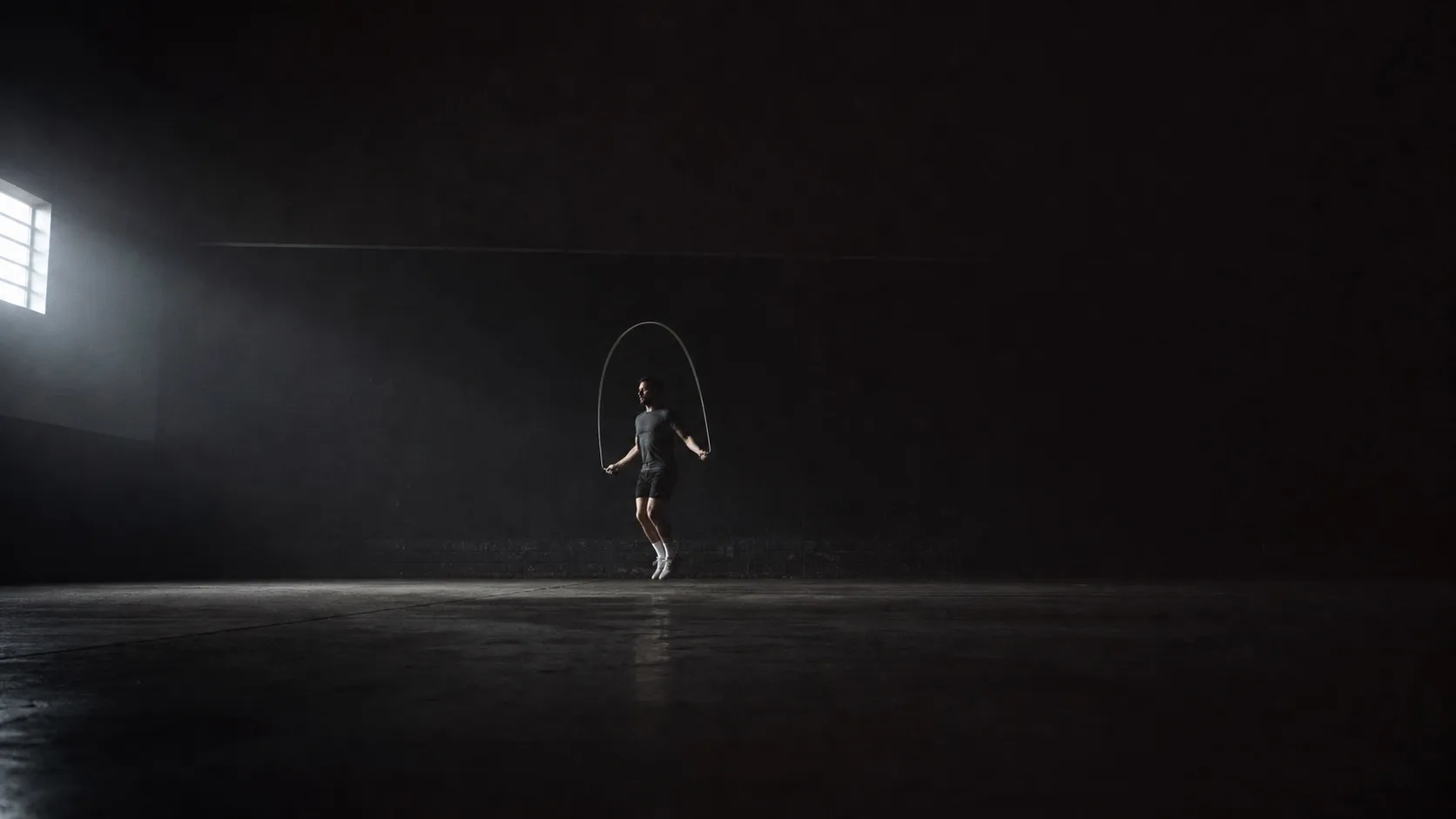
A lone athlete skipping in a dark, almost empty training space, the rope caught as a blurred arc under one hard side light.

A jump-rope interval timer you can read from the floor.

Set work, rest and rounds. Put the phone down. You can still read it from where you're standing.

App StoreNot yet available

Coming to the App Store for iPhone.

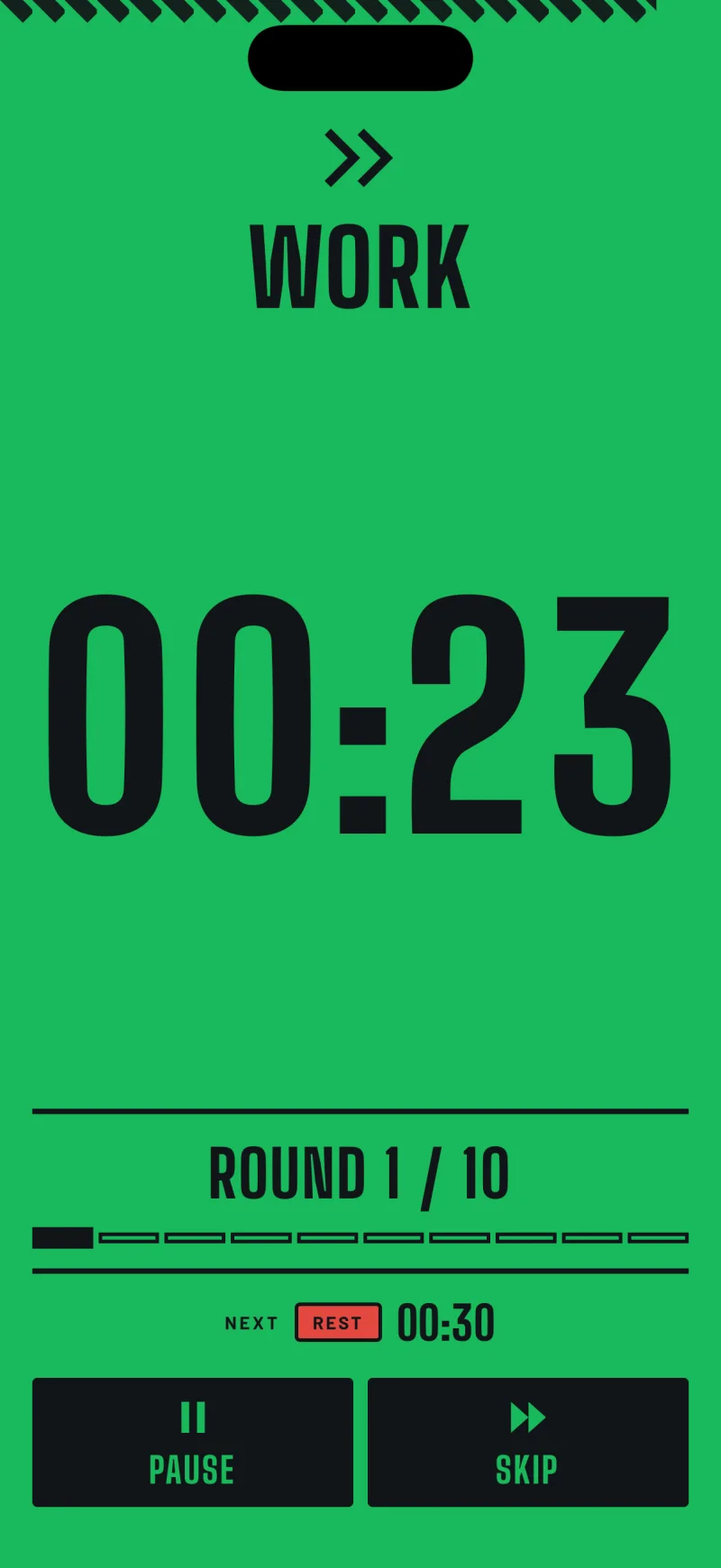
The active timer during a work interval. The whole screen is green, with the word WORK, a countdown reading 00:23 and ROUND 1 / 10 beneath it.

A workout is four numbers.

  1. 10s Preparation
  2. 30s Work
  3. 30s Rest
  4. 10 Rounds

09:40 in total

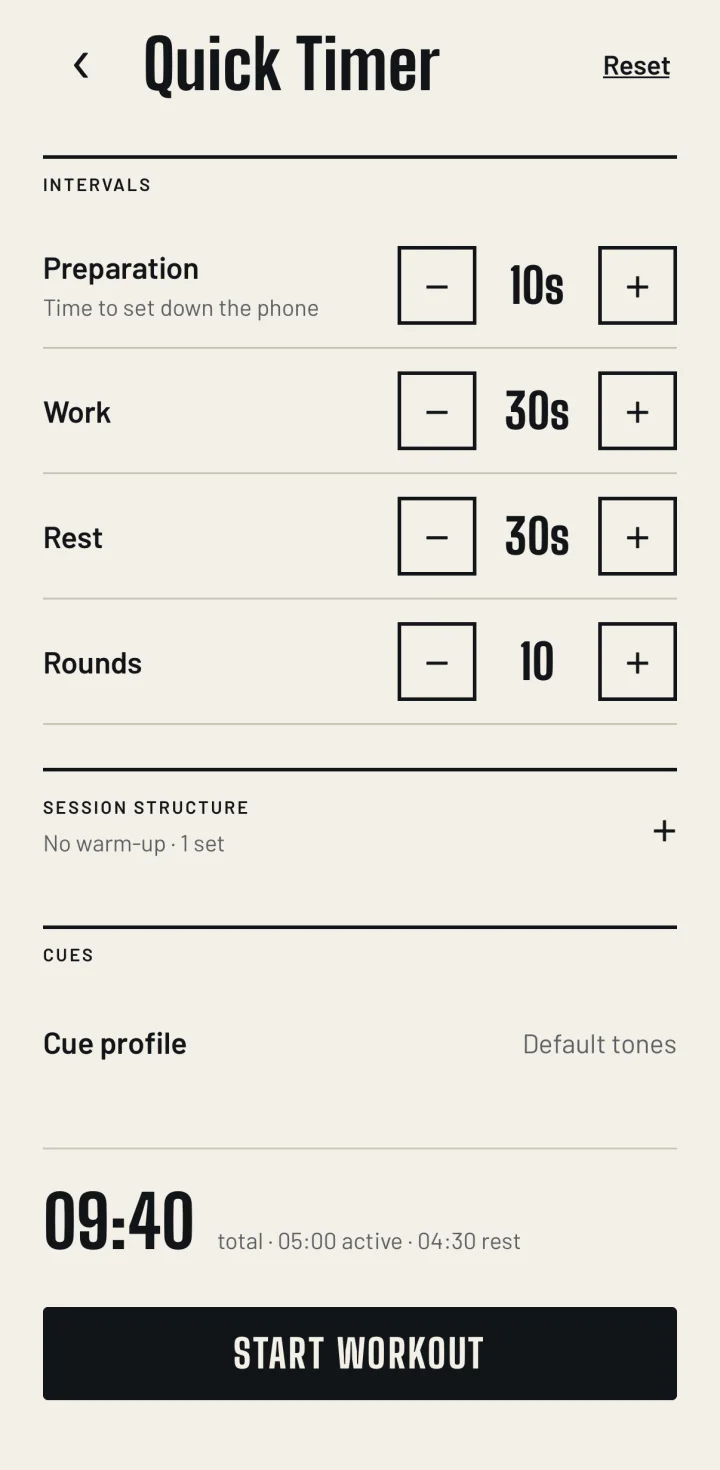
That's what it opens with. Change any of the four and the total updates as you go. Or skip the setup and start one of the six workouts that come with it.

The ten seconds at the start aren't padding. That's how long it takes to hit start, set the phone down and pick up the rope.

The Quick Timer is free and there's no cap on it.

The Quick Timer editor, with steppers for preparation, work, rest and rounds, and a total of 09:40 broken into active and rest time.
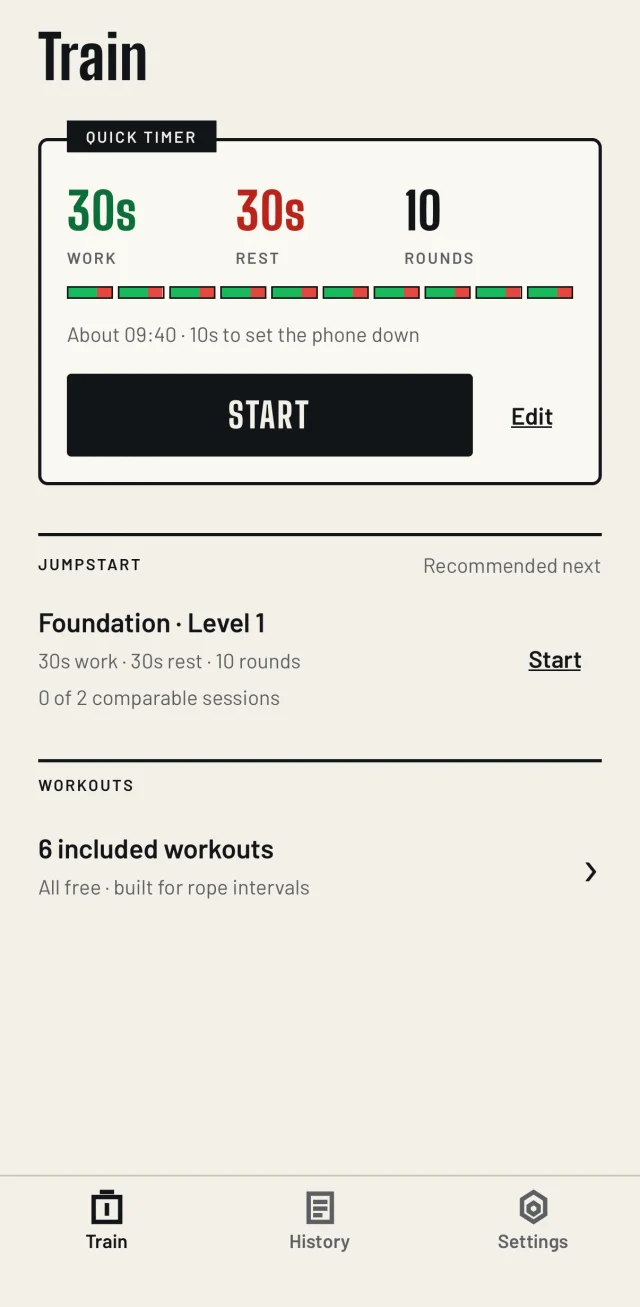
The Train screen: a Quick Timer plate set to 30 seconds work, 30 seconds rest and 10 rounds, and below it a Jumpstart plate with the recommended level.
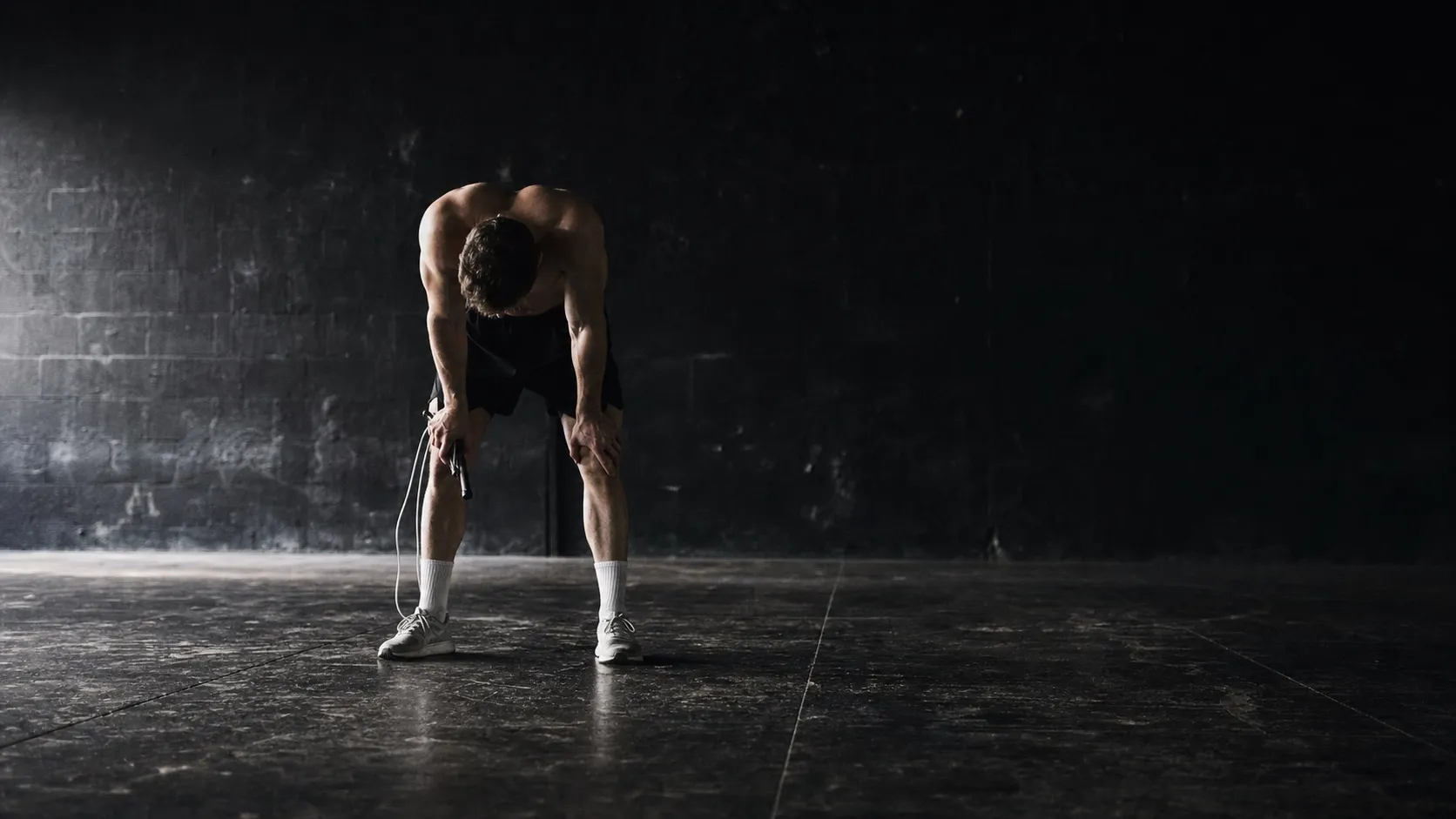
An athlete standing still between rounds in a dark training space, bent over with hands on knees and a rope hanging loose from one hand.

You're three metres away and out of breath.

The screen has one job.

The active timer during a work interval. The whole screen is green, with the word WORK, a countdown reading 00:23 and ROUND 1 / 10 beneath it.
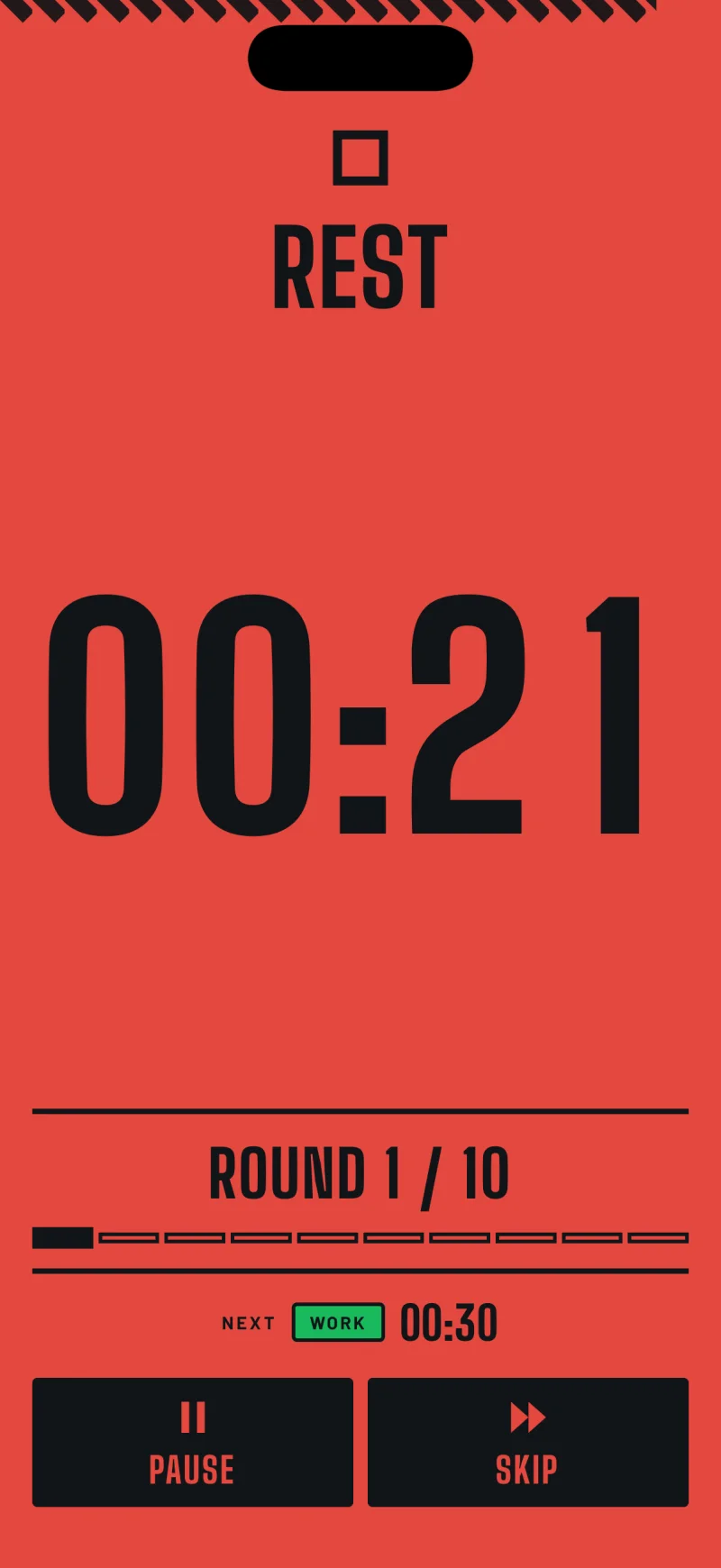
The active timer during a rest interval. The whole screen is red, with the word REST and a countdown.
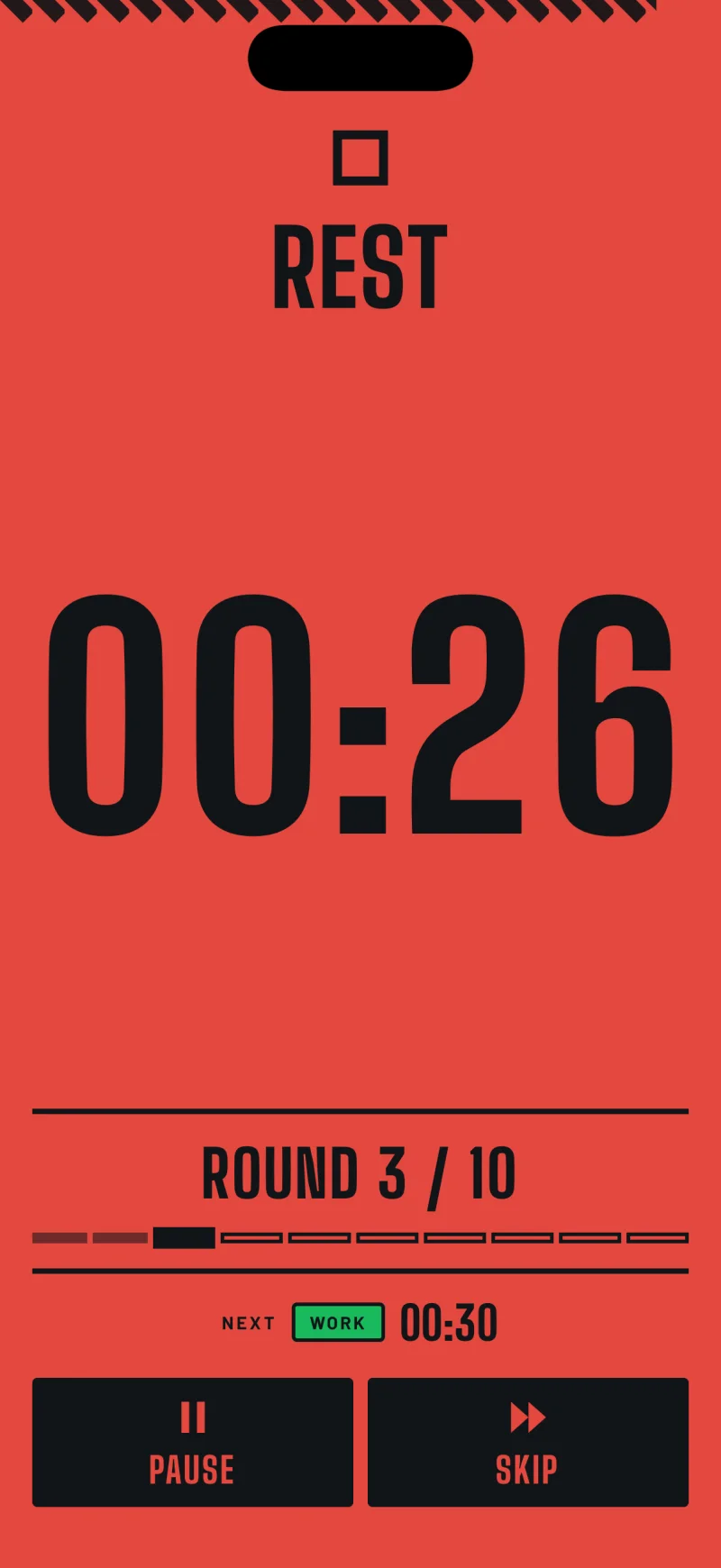
The active timer on round 3 of 10, with a rail beneath the round count filled about a third of the way along.

Work

The whole screen goes green and the countdown takes most of it. At three metres a small number is no number at all.

Rest

Red, straight away. No fade, no animation to sit through. A tone plays over your music so you can keep going without looking down.

Round

The round count, and under it a rail that fills as you get through them. The countdown only knows about this interval. The rail is how you know you're on three of ten and not eight.

A bare dark training floor seen from standing height, stretching away into shadow.
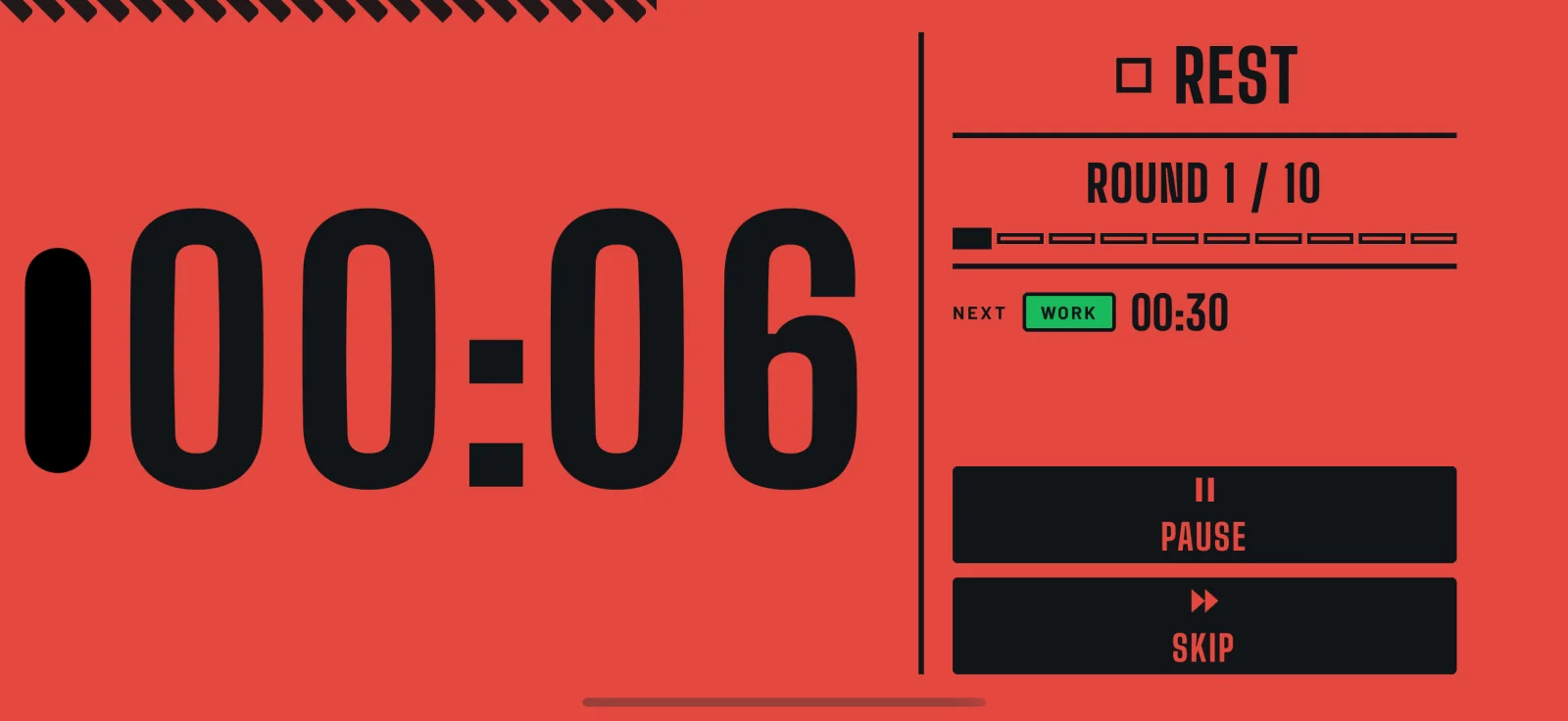
The active timer in landscape. The countdown fills the left of the screen, with the phase, round, next phase and transport controls stacked on the right.

Turn it over and nothing restarts.

Landscape gets its own layout, not a squashed portrait one. Time left comes from the clock, so nothing you do to the phone makes it drift. Rotate it, lock it, switch apps. It keeps counting.

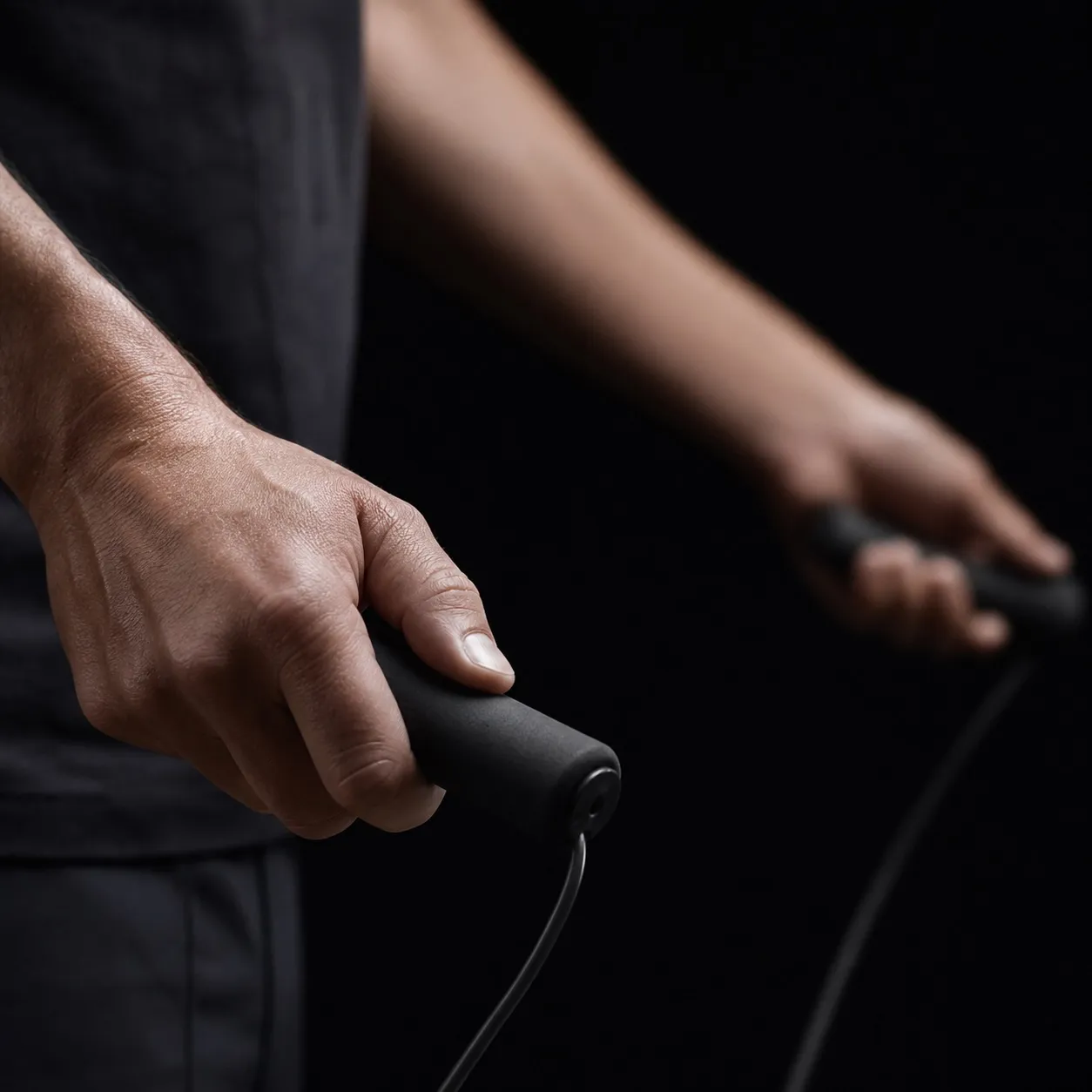
Two hands gripping jump-rope handles, arms blurred with motion against a near-black background.

Cues that mix with your music.

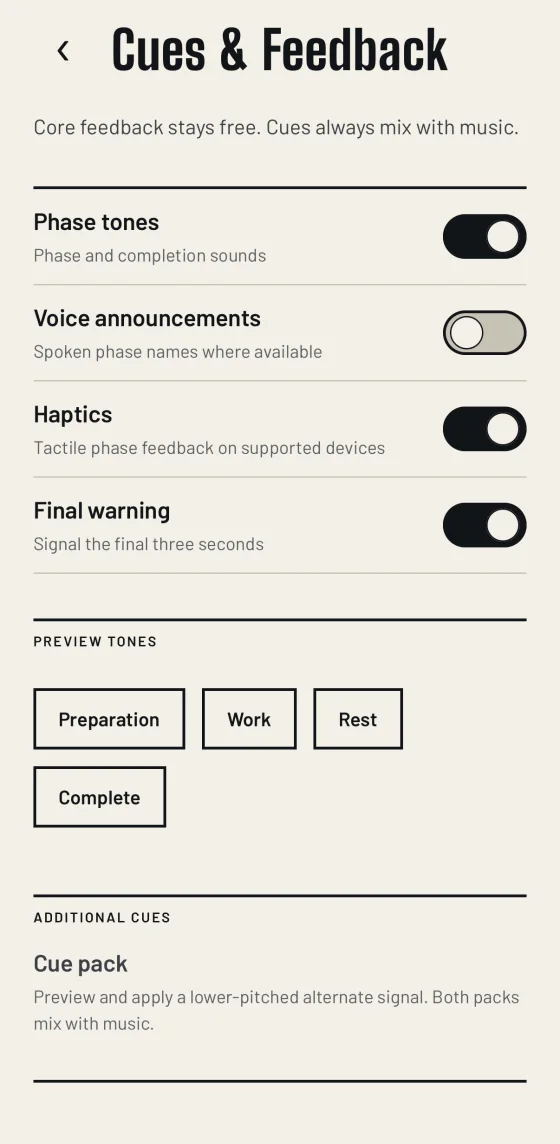
Tones, spoken phase names, haptics, and a warning on the last three seconds. They play over whatever you're already listening to.

If one ever pauses your music, that's a bug. Tell us. The screen stays on for the whole workout too, and there's no setting for it to get wrong.

Cues and feedback settings, with switches for phase tones, voice announcements, haptics and a final warning, above buttons that preview each tone.

It writes the workout down for you.

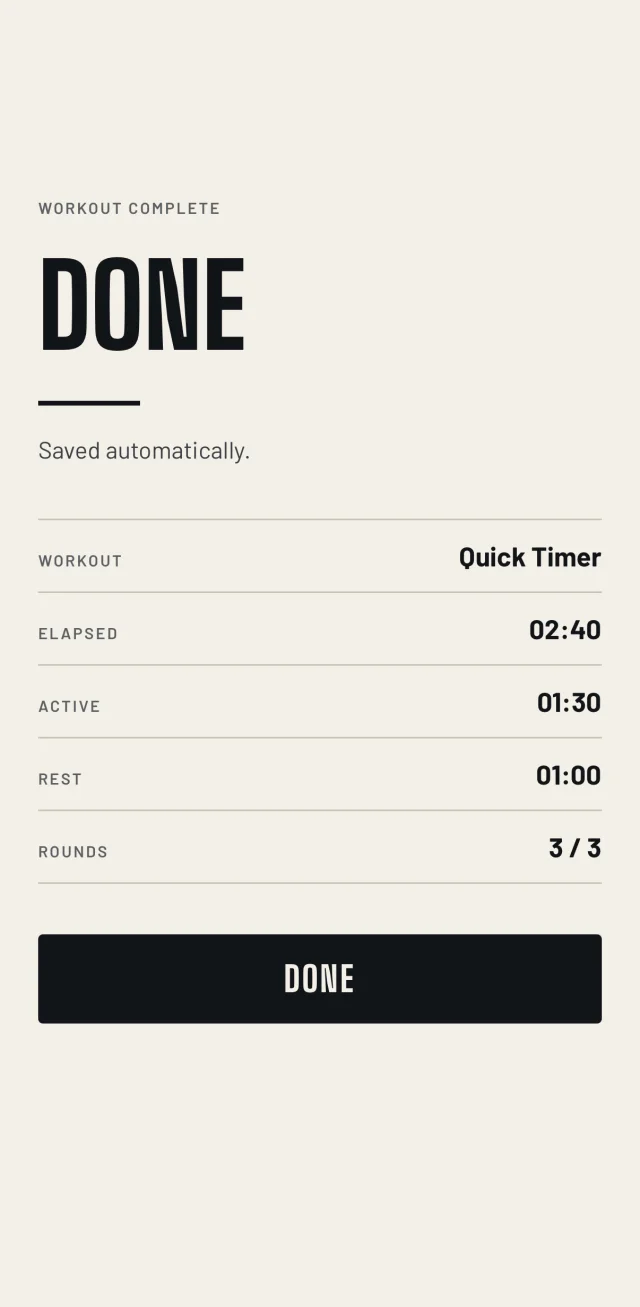
There's no save button. The last round ends and it's already written down, on the phone, where it stays. There's no account for it to sync to.

The end of a completed workout, reading FINISHED, then 05:00 of work across all 10 rounds of Foundation Level 1, with elapsed and rest time beneath.

Saved the moment you finish

How long the rope was actually turning, across which workout. Elapsed and rest are there underneath.
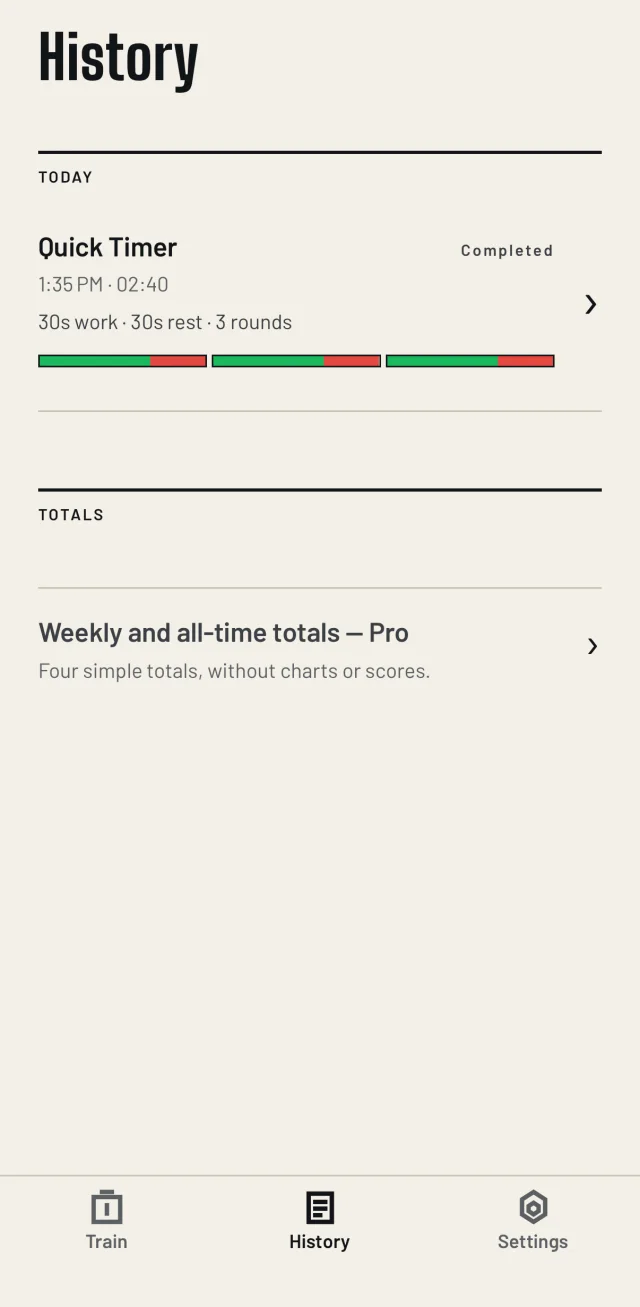
The History screen, listing a completed session with its time, structure and interval strip.

Your last ten sessions, free

Kept on the phone. Pro adds the full history and the totals.
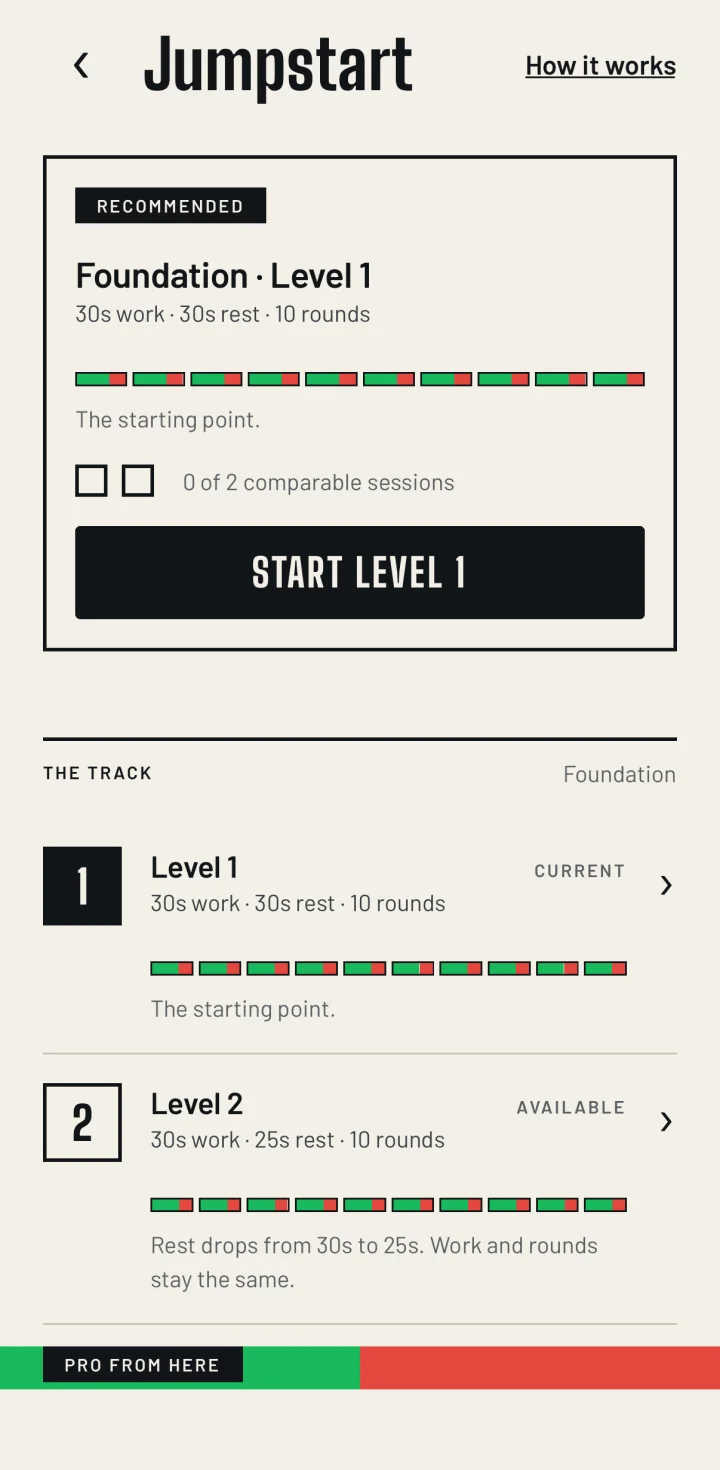
The Jumpstart screen, explaining the ladder, then the recommended level with one of two comparable sessions recorded against it.

Jumpstart is optional

A ladder of 37 levels, if you want one. Two sessions at comparable settings and it either moves you up or keeps you where you are. It assumes you're on the same rope, and it isn't coaching.

Free and Pro

Most of it is free.

The timer itself is free. Both orientations, no trial period, nothing that expires.

Free

  • The complete active timer, portrait and landscape
  • Unlimited Quick Timer workouts
  • All six included workouts
  • Tone, voice, haptic and final-seconds cues
  • Screen stays awake during every workout
  • Automatic saving and your ten recent sessions
  • Jumpstart Levels 1 and 2
  • Higher contrast, larger text and non-colour cues

Rope Rounds Pro

  • Jumpstart Levels 3 to 37
  • Unlimited named saved workouts
  • Complete history and totals
  • Additional tested cue packs and timer palettes

One purchase and it's yours. Nothing renews. The App Store shows you the price in your own currency before you confirm anything.

What it doesn't do.

None of it is on a roadmap either. It's a timer. Keeping that list short is most of why it opens and starts as fast as it does.